
[HTML] iframe (테두리 변경, 크기 변경, 페이지 변경)
2021. 6. 21. 02:19
728x90

01 iframe
inline frame- 다른 웹사이트 페이지를 보여주는 공간.
<iframe src="삽입할페이지주소"></iframe>※ src : 웹 주소, 이미지 주소, 동영상 주소, 음악 주소, 텍스트 파일 주소
01-1 테두리 변경
frameborderborder

<!DOCTYPE html>
<html>
<head>
    <meta charset='utf-8'>
    <meta http-equiv='X-UA-Compatible' content='IE=edge'>
    <title>iframe</title>
    <meta name='viewport' content='width=device-width, initial-scale=1'>
</head>
<body>
    <!--텍스트 지정-->
    <iframe src="0617tag.txt" frameborder="1"></iframe>
    <hr>
</body>
</html>
01-2 크기 변경

<!DOCTYPE html>
<html>
<head>
    <meta charset='utf-8'>
    <meta http-equiv='X-UA-Compatible' content='IE=edge'>
    <title>iframe</title>
    <meta name='viewport' content='width=device-width, initial-scale=1'>
</head>
<body>
    <!--이미지 경로 지정-->
    <iframe src="/images/cat_cute.jpg" scrolling="no"
    frameborder="1" width="300" height="200"></iframe>
</body>
</html>
※ scrolling="no" : 스크롤을 통해 영역 밖의 파일을 보여줄지 말지.
01-3 페이지 변경
<a>targetname


<!DOCTYPE html>
<html>
<head>
    <meta charset='utf-8'>
    <meta http-equiv='X-UA-Compatible' content='IE=edge'>
    <title>iframe</title>
    <meta name='viewport' content='width=device-width, initial-scale=1'>
</head>
<body>
    <a href="/images/cat_cute.jpg" target="view">귀여운 고양이 이미지</a>
    <br>
</body>
</html>
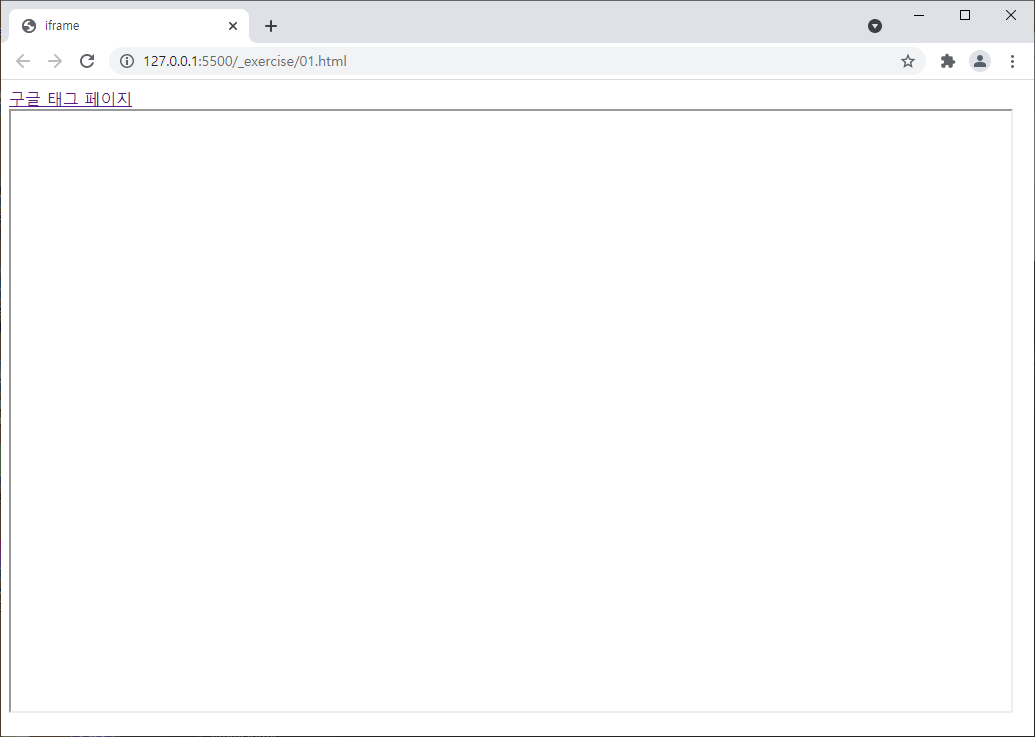
<!DOCTYPE html>
<html>
<head>
    <meta charset='utf-8'>
    <meta http-equiv='X-UA-Compatible' content='IE=edge'>
    <title>iframe</title>
    <meta name='viewport' content='width=device-width, initial-scale=1'>
</head>
<body>
    <!--구글 사이트 view에 연결-->
    <a href="https://www.google.co.kr" target="view">구글 태그 페이지</a>
    <br>
    <iframe src="" name="view" frameborder="1" width="1000" height="600"></iframe>
</body>
</html>
728x90
'HTML > Study' 카테고리의 다른 글
| [HTML] 폼 태그 (action, method, text, password, submit, checkbox, radio, file) (1) | 2021.06.21 |
|---|---|
| [HTML] 테이블 태그 <table>, <tr>, <td>, <th>, colspan, rowspan (1) | 2021.06.21 |
| [HTML] 하이퍼링크 태그 (HTML 책갈피) <a> 태그의 name 속성 (1) | 2021.06.21 |
| [HTML] 하이퍼링크 태그 <a>, href, title, target (1) | 2021.06.21 |
| [HTML] 이미지 태그 <img>, src, alt / 멀티미디어 태그 <video>, <audio> (1) | 2021.06.21 |